AutoCAD furniture block
introductory notes on the download of AutoCAD furniture blocks
Engineers utilize AutoCAD, a computer-aided design program, to create engineering drawings. The AutoCAD software consists of a collection of blocks. It is possible for blocks to have shapes that resemble furniture. For instance, you can utilize distinct blocks to designate the use of different spaces when producing maps in AutoCAD, which will expedite your task. We have a kind of block reference in AutoCAD. The reference block serves as a model for the remaining similar blocks, which are cloned from it and altered in a similar manner when the reference block is edited.
One of the most crucial features of AutoCAD software is the block, which is frequently utilized in all kinds of maps and drawings. Blocks have various benefits, and designers are strongly encouraged to employ them. The block command not only makes a single shape, but it also speeds up design and drawing processes and minimizes the amount of output files.
Furnishing the plans is one approach to demonstrate the design idea of architectural plans. The issue occurs when you can’t locate what you’re looking for in the right size or when you find something that isn’t particularly helpful.
To help you with one of the most fundamental issues, we have thus attempted to present you a variety of blocks, objects, and pre-made AutoCAD models in this part.
Why is AutoCAD furniture blocks important?
AutoCAD software’s ready-made furniture drawings come in quite handy, especially for popular and constantly used home appliances like sofas, which are featured in most drawings. AutoCAD plans can be drawn using these ready-made drawings.
The blueprints for the many kinds of sofas in this collection have been created using AutoCAD software, and they were completed accurately and in a timely manner so that anyone using the program may utilize them.
By downloading the Autocad sofa block, you may complete the project more quickly. The majority of architectural schemes make extensive use of these furniture elements.
Taking into account that couches are created and built in a variety of sizes and shapes, every type of sofa is depicted in this collection in plans and in a variety of shapes and sizes. These two-dimensional drawings also display the material lines and have all the information required for AutoCAD two-dimensional maps.


It will take a lot of time and might not be drawn precisely if each designer creates a sofa to illustrate his plans. Therefore, it will be quite helpful and practical to have a site to download these pre-made couches. Users always need sofa objects in their architectural maps since different types of sofas are employed in different contexts (home, office, commercial, educational, etc.).
Which kinds of furniture are included in this download bundle for AutoCAD furniture blocks?
You will see the variety of these blocks once you download and open the AutoCAD sofa block file. You can go to the Architect Land website and get them.
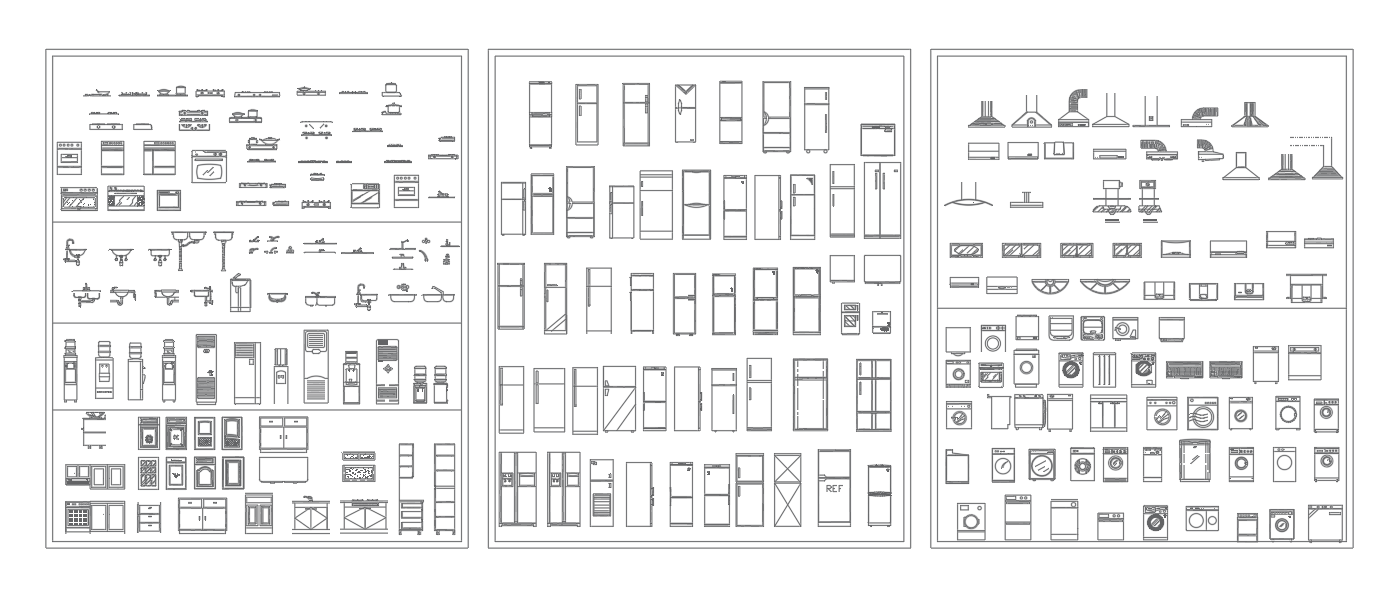
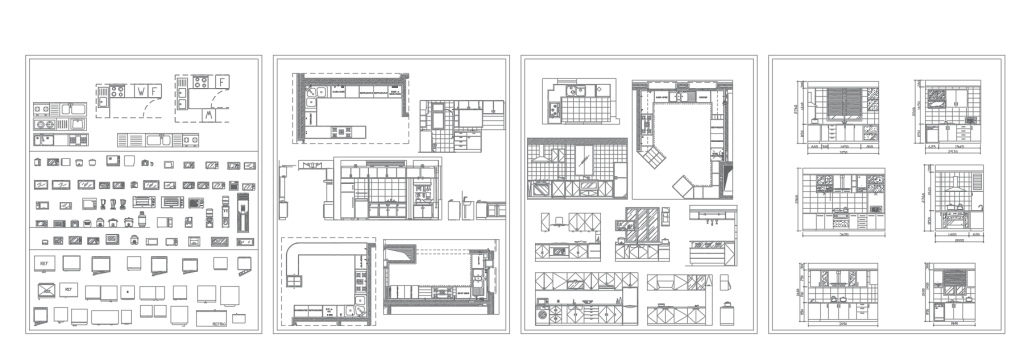
Since most architectural drawings are created using AutoCAD software, which is highly helpful for architects and designers, speeding up the drawing process with this program is crucial. Using ready files will assist in this regard as well. These ready files are feature-editable and modifiable.
Users can obtain AutoCAD-ready blocks for their projects from various sources in addition to making their own collection of blocks in AutoCAD.
Click the following link to download
Autocad Blocks

Library Block
9,00 €.2,00 €

Hospital Blocks
18,00 €.4,00 €
kitchen furniture
5,00 €.2,00 €
Sport Block
9,00 €.2,00 €

furniture Block
29,00 €.9,00 €

10000+ block
38,00 €.8,00 €

1200+ classic block
38,00 €.13,00 €